Welcome to Bell Connect World!
You can experience all the features
of the BELL device through
Bell Connect.
Menu Drawer
You can use Bell Connect’s functions
from the menu drawer.
Some features are available
after connecting the device.
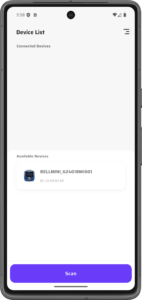
Available & Connected Devices
Nearby BELL devices are scanned.
You can connect to the devices
and see connected devices in real time.
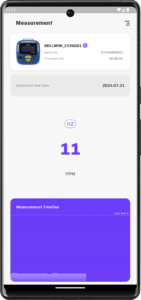
Stable
Bell Connect monitors
your device’s gas measurement in real time.
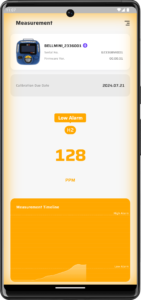
Low Alarm
When Low Alarm occurs on your device,
Bell Connect shows it in real time.
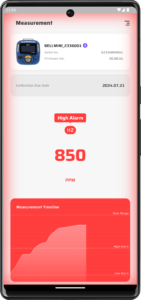
High Alarm
When High Alarm occurs on your device,
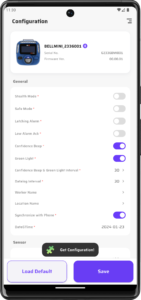
Get Configuration
Bell Connect gets
your device’s current configuration
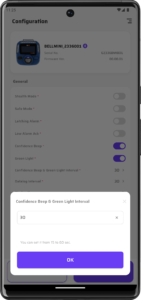
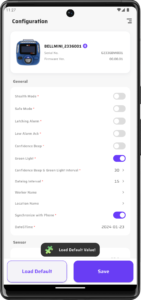
Input Configuration Values
You can input configuration values
simply.
Load Default
Click Load Default button
and default values will be loaded.
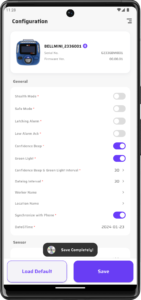
Save Configuration
Click Save button and the values
you set will be saved on your device.
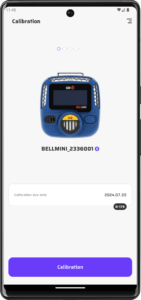
Start Calibration
Click Calibration button
to start calibration.
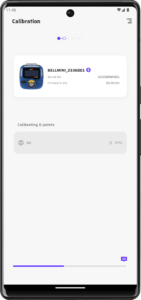
Zero Calibration
Bell Connect automatically runs
zero calibration.
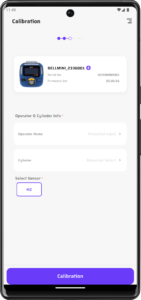
Prepare for Calibration
Input operator & cylinder information
and click Calibration button
to run span calibration.
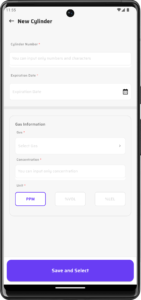
Add new cylinder
You can select existing cylinder
or simply add a new cylinder.
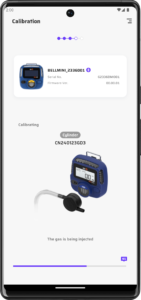
Span Calibration
Span calibration your device easily.
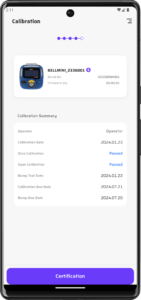
Calibration Result
Bell connect shows calibration result
simply to understand at a glance.
You can also check the certificate
if the result is pass.
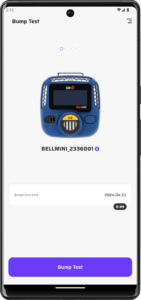
Start Bump Test
Click Bump Test button
to start bump test.
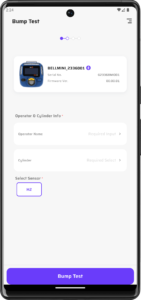
Prepare for Bump Test
Input operator & cylinder information.
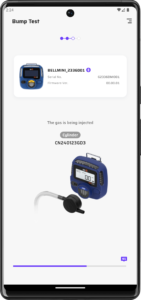
Bump Test
Run bump test of your device easily.
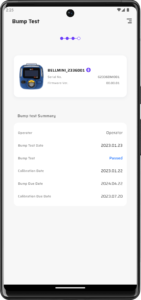
Bump Test Result
Bell Connect shows bump test result
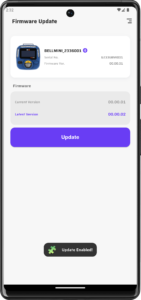
Check Current
Firmware Version
Bell Connect shows if
firmware update
to the latest version is available.
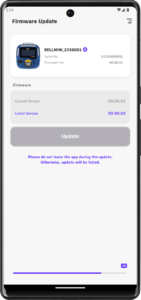
Firmware Update
Click the Firmware Update button
to update of your device’s firmware.
Please keep the screen on
while the update is in progress.
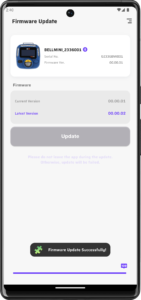
Complete Firmware Update
When the firmware update is complete,
Bell Connect will automatically restart.
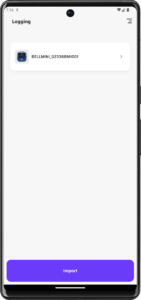
View Logging Data
You can track issues
with your device and more
from logging data.
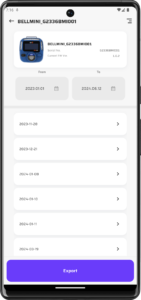
Logging by date
View logging data by date.
You can also filter by the period
you want to see.
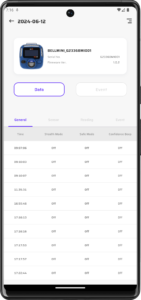
Data & Event Log
Track the real-time status of the device,
events that have occurred on the device,
or more.
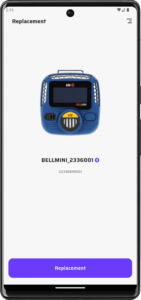
Start Replacement
Click Replacement button
to start replacement.
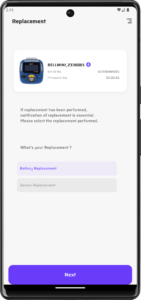
Select Replacement Option
Select the replacement option
you have performed.
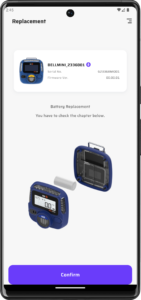
Confirm Replacement
Bell Connect provides a guide
to help you make sure you
perform the replacement correctly.
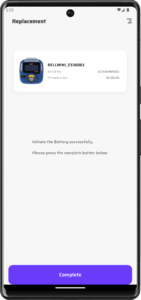
Complete Replacement
When the replacement is complete,